Flows
Preparing content and assets often involves the same steps again and again, such as processing images or writing alt text, which makes them ideal for automating.
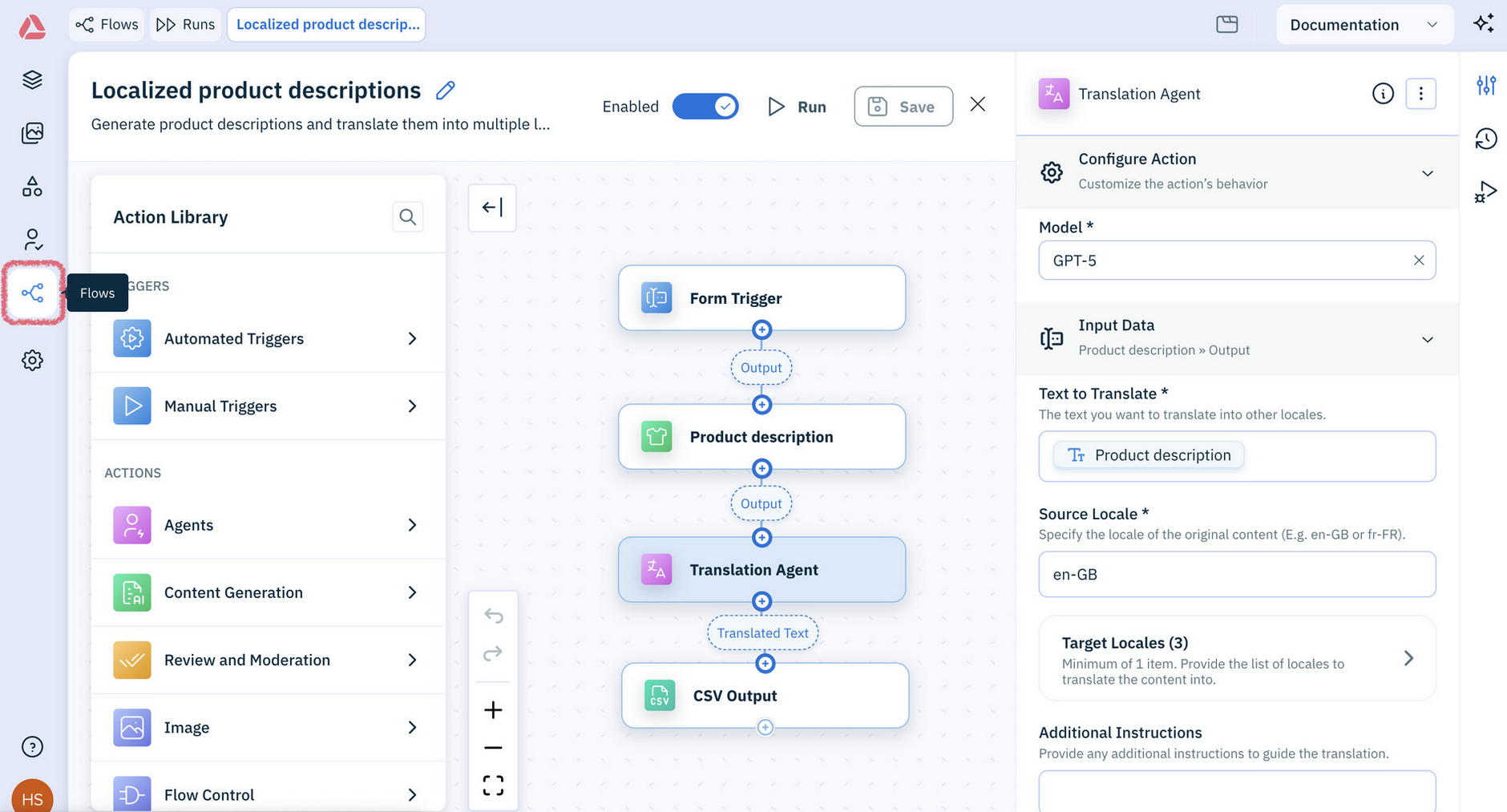
In the Amplience Content Operations Platform, you can automate this work in Flows, where you build and run flows. All your flows are in one place, where you can find, edit and run them.
New to flows?
Start by getting familiar with what flows are, and how to build a flow.
How flows workLink copied!
A flow is a series of actions that run in order, so a job you'd otherwise do by hand, item by item, happens in one go.
Each flow has a trigger, which sets what the flow can run on. For example, a flow with an Assets trigger can be launched for assets you select in the Assets library. Only flows with a trigger set up for the selected types of assets are shown.
A flow can include a review action, so someone on your team can check the results before they're applied. Depending on how the review action is set up, reviewers can also regenerate any results they're not happy with.
Get started with flowsLink copied!
The best way to begin is to follow one flow from start to finish. Build a flow with a trigger and a review action, then run it. When it's finished, open the review it creates in Reviews and verify the results.
Already using the classic platform?Link copied!
All your existing flows are accessible through the new platform, and you can still use the classic platform alongside the new one.
The new platform also lets you:
- Launch a flow for the assets you select, directly from the Assets library
- Launch a flow for the content you select, directly from the Content library
For everything else that's new across the platform, including the Assistant, the workbench, Collections and Favorites, see What's new.