Set up and configuration
The platform can be set up to match the way your team works. Some things, such as your organization and hubs, need to be in place before anyone can start. Others, such as workflow statuses, locales and image templates, can be added or changed at any time as your needs grow.
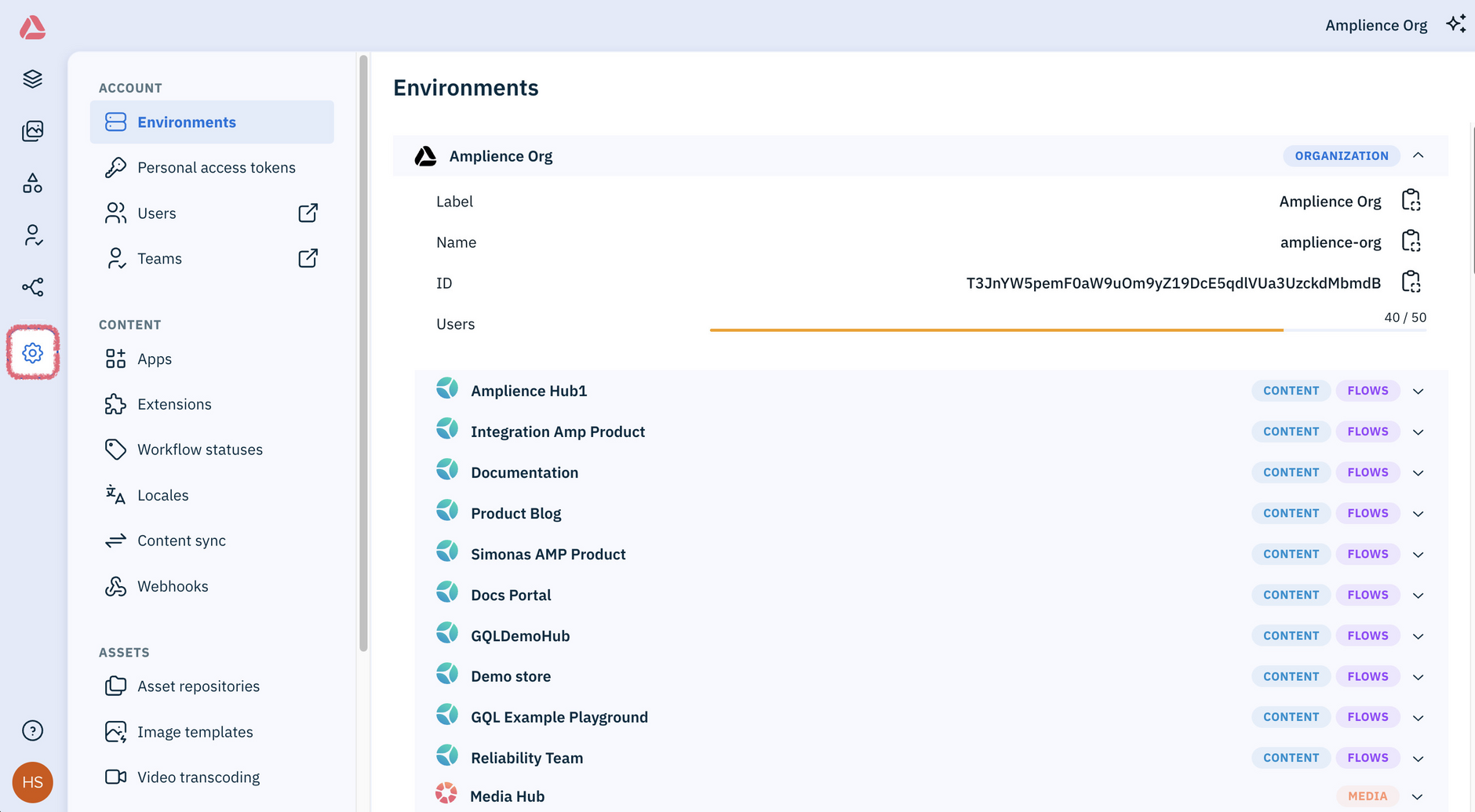
In the Amplience Content Operations Platform, you do this in Settings. Most settings are managed by an administrator or developer.
Info
The new platform is still evolving, so some setup is currently done in the classic platform.
Initial setupLink copied!
Before your team can start working in the platform:
- Set up your account - Amplience Support sets up your organization and hubs, then your administrator creates repositories, user accounts, teams and permissions. See Set up your account.
- Create content types - Your developers define the structure of your content by creating content types, which set the fields your team fills in. See Developer to get started, or the API docs to start delivering content and assets to your website or app.
Setup you can do laterLink copied!
These settings can be added or changed at any time, as your needs grow:
- Content settings control how your team works with content, including extensions, workflow statuses and locales
- Asset settings control how your assets are stored and delivered, including asset repositories and image templates
- Automation settings control how the Assistant generates content and handles specific tasks, including AI models and skills