Content
Content teams use Amplience to create and manage the content that appears on their websites, apps and other channels, from banners and blog posts to product descriptions.
In the Amplience Content Operations Platform, this happens in Content, where you create, edit, localize and publish content items. Your content is in the Content library, where you can browse, search and filter them, and open any item to edit it.
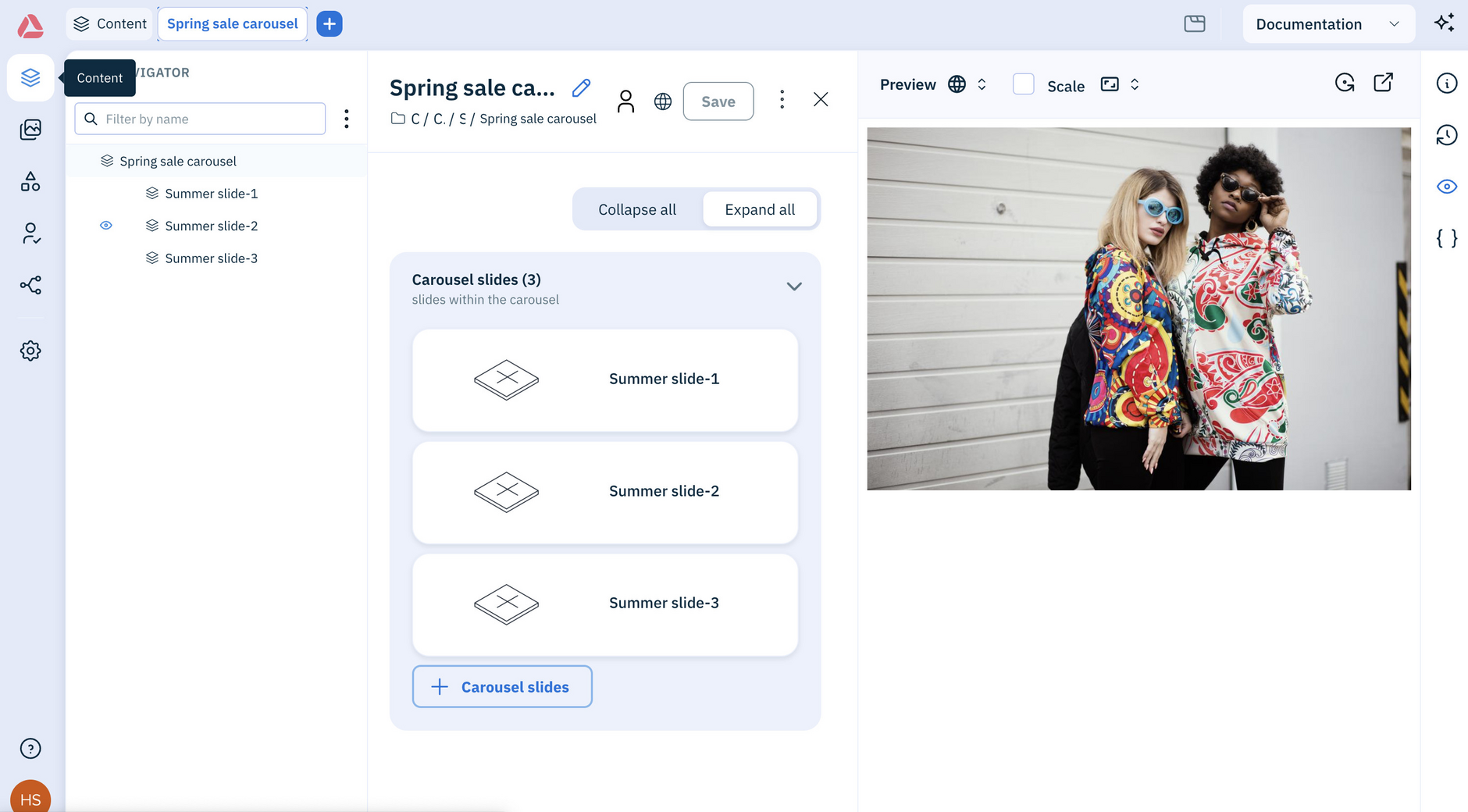
How content worksLink copied!
Content is built from content types, which set the fields you fill in. Each piece of content you create, like a banner or product page, is a content item. Once it's ready, it lives in your content library, ready to publish to your website, app or wherever else it's needed.
Content items live in folders in the Content library. To group related items from different folders, such as everything for a seasonal campaign, add them to a Collection.
As your team works on an item, its status and assignee show where it's up to, and its revision history records what changed and who changed it. You can also localize items for new regions and languages.
When an item is ready, publish it so it's delivered to your website, app or anywhere else it's needed.
Get started with contentLink copied!
The best way to begin is to take one item from start to finish. Create a content item, then publish it. Once you've done it by hand, try asking the Assistant to do the same thing and see how much faster it gets.
Let the Assistant manage contentLink copied!
Do it all yourself, or hand it to the Assistant. Tell it what you need in plain language and it gets on with the job. It can find content, create and edit it, publish it now or schedule it for later, localize for new regions and languages, and track changes across revisions, statuses and assignees.
Watch the Assistant turn a simple request into finished content:
Try askingLink copied!
Not sure where to start? Here are a few things you can ask the Assistant:
- "What type of content can I create?"
- "Create a product page for our new trail running shoe using the product details type"
- "Find all the summer campaign banners that haven't been published yet"
- "Translate the Spring 2027 lookbook into French and German"
- "Move everything labeled winter-2027 into the Archive folder"
Already using the classic platform?Link copied!
All your existing content items and content types can be found through the new platform, and you can still use the classic platform alongside the new one.
The new platform also lets you:
- Launch a flow for the content you select
- Browse with the content navigator when editing linked content
- Rotate content previews
- Set the library list row height
You also get everything that's new across the platform, including the Assistant, the Workbench, Collections and Favorites. For a full rundown, see What's new.
For developersLink copied!
If you're building the experiences that display this content, head to Developers to design your content types, or the API docs to start pulling content into your site or app.