Edit and enrich assets
Once an asset is uploaded, you can edit it and enrich it without leaving the platform.
- Editing changes the asset itself. For example, you can replace an image's background or change its aspect ratio
- Enriching adds information that helps the asset work harder wherever it's used, such as alt text for accessibility, a point of interest (POI) to keep the subject in frame when an image is cropped, and hotspots that link areas of an image to other content
Both editing and enriching can be done one at a time, or as part of a bulk upload job or flow, so a whole batch is ready to use as soon as it's uploaded. See [Update batches of assets](Update batches of assets).
Edit an imageLink copied!
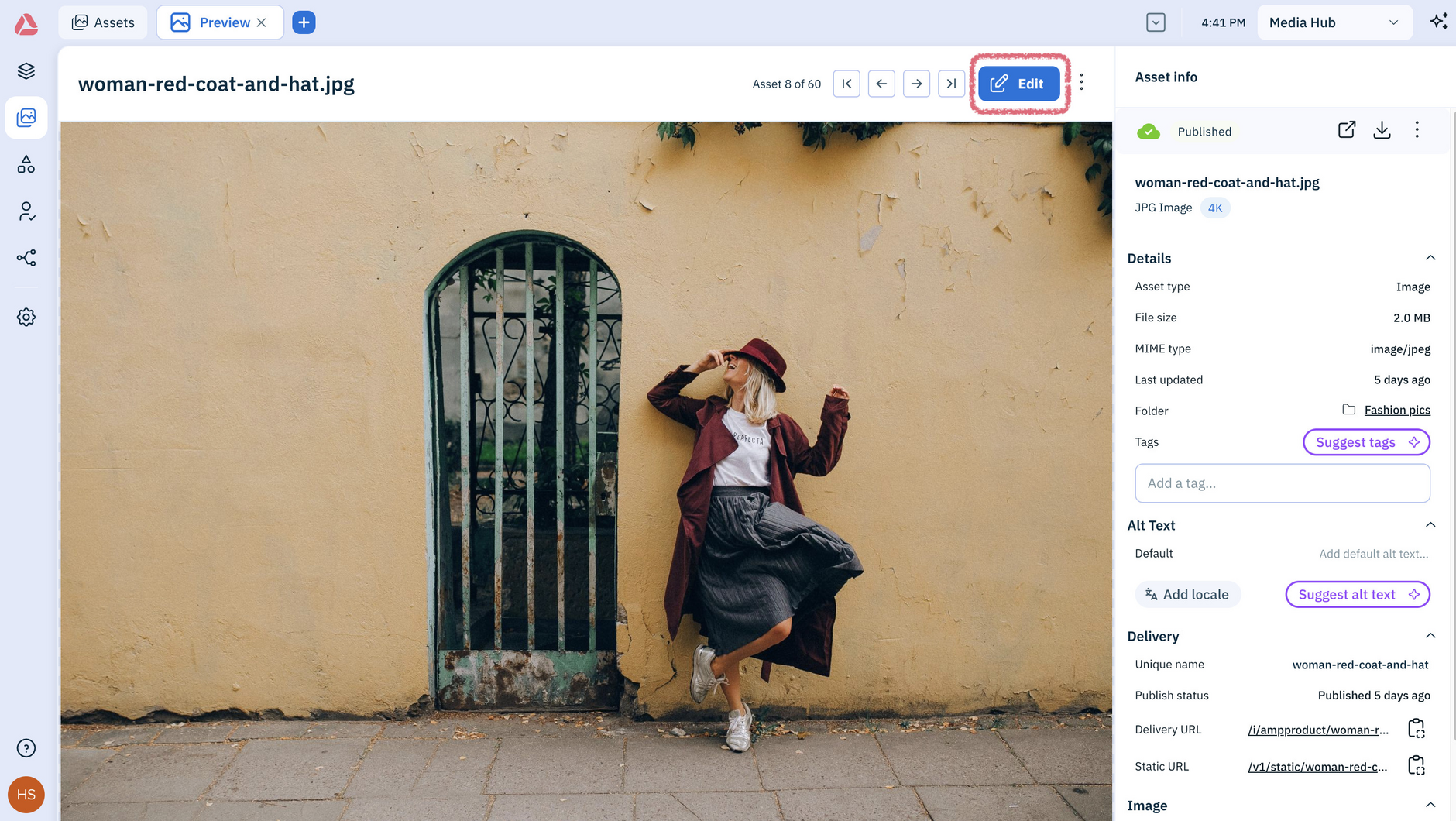
To open an asset double-click its name in the Assets library - this opens a preview of the image. To edit it click Edit:
Once you've opened the image in the editor you can:
- Remove the background
- Change the background color
- Magic erase areas on the image
- Set a focal point
- Add hotspots